Event Management Application Redesign
In an attempt to understand the Users and the System of the Event Management EcoSystem of Costco, I worked on this project in its discovery phase. The outcome from the finding was a prototype that the client liked and it moved on to actual design & development. In this short span of time, I provided Future state concepts through various UX activities include focus groups, field visits, and user interviews. This led to Identify the pain points and deliver a user-friendly ecosystem of portals and mobile apps.
My Role
UX Lead - Design Thinking Workshop
UX Designer
My Deliverables
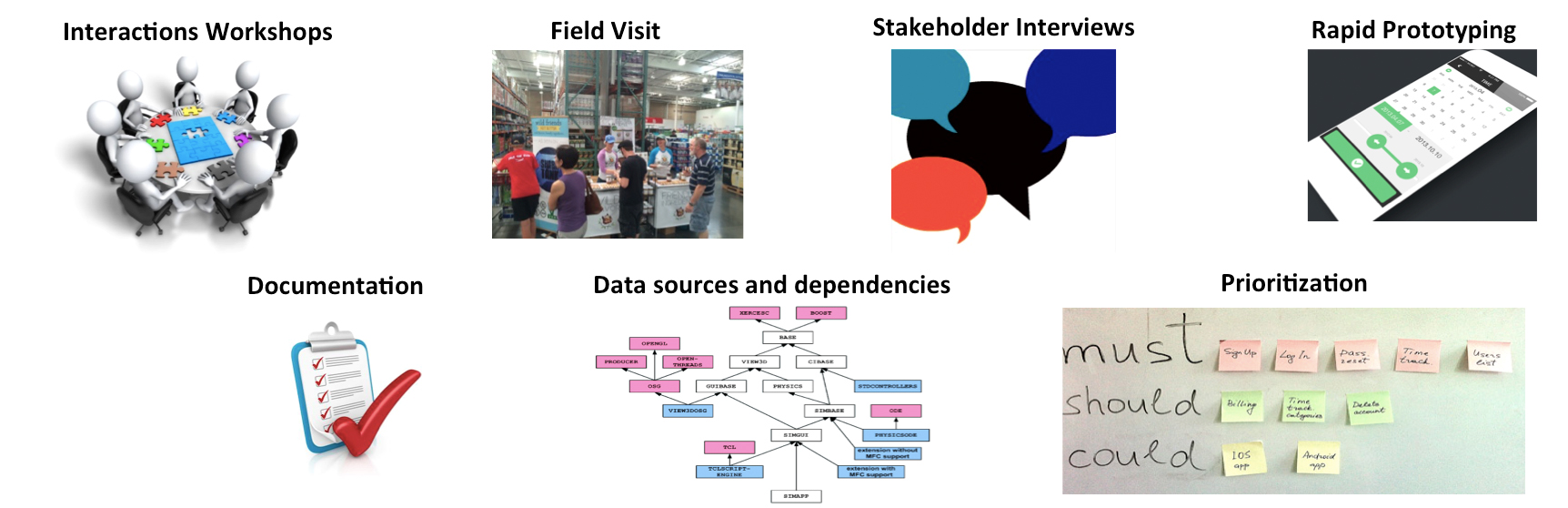
Client Interaction Workshops (Focus Groups)
Field Visit
Stakeholder Interviews
Rapid Prototypying - Paper, whiteboard, wireframe, low fidelity, Interactive prototype
Documentation
Prioritation of Features
Our Team
UX Lead - Design Thinking Workshop (Me)
Visual Designer
Business Analyst
Solutions Architect
Development Team Onsite
Stakeholders
Best Practices
Design Thinking Workshops
Field Study
Stakeholder Interviews
Paper sketches - Whiteboarding
Rapid Prototypying
Medium Fidelity Wireframes
Interactive Prototype
Visual Design
Overall Process
Costco has their retailers exhibit their product as sampling carts and showcase tents, This was organized through an event management ecosystem which has many systems under their umbrella, such as Workday, Event System, Tablet Field Mobile App, User Portals, Retail Logic, JD Edwards, ADP Payroll and couple other systems. I was part of the Event System redesign initiative. Along with a solution architect and business analyst, we started by understanding the As-is process. I interview the users of the existing systems to understand their pain points, visited the Costco back office, with their Manager, I understood, how they plan the events and schedule and arrange resources for the sampling carts, Spoke to the sampling cart in charge about their day to day activities of how they get assigned to exhibit a cart.
The outcome from the finding was a prototype that the client liked and it moved on to actual design & development. In this short span of time, I provided Future state concepts as a clickable prototype, targeting the roles.
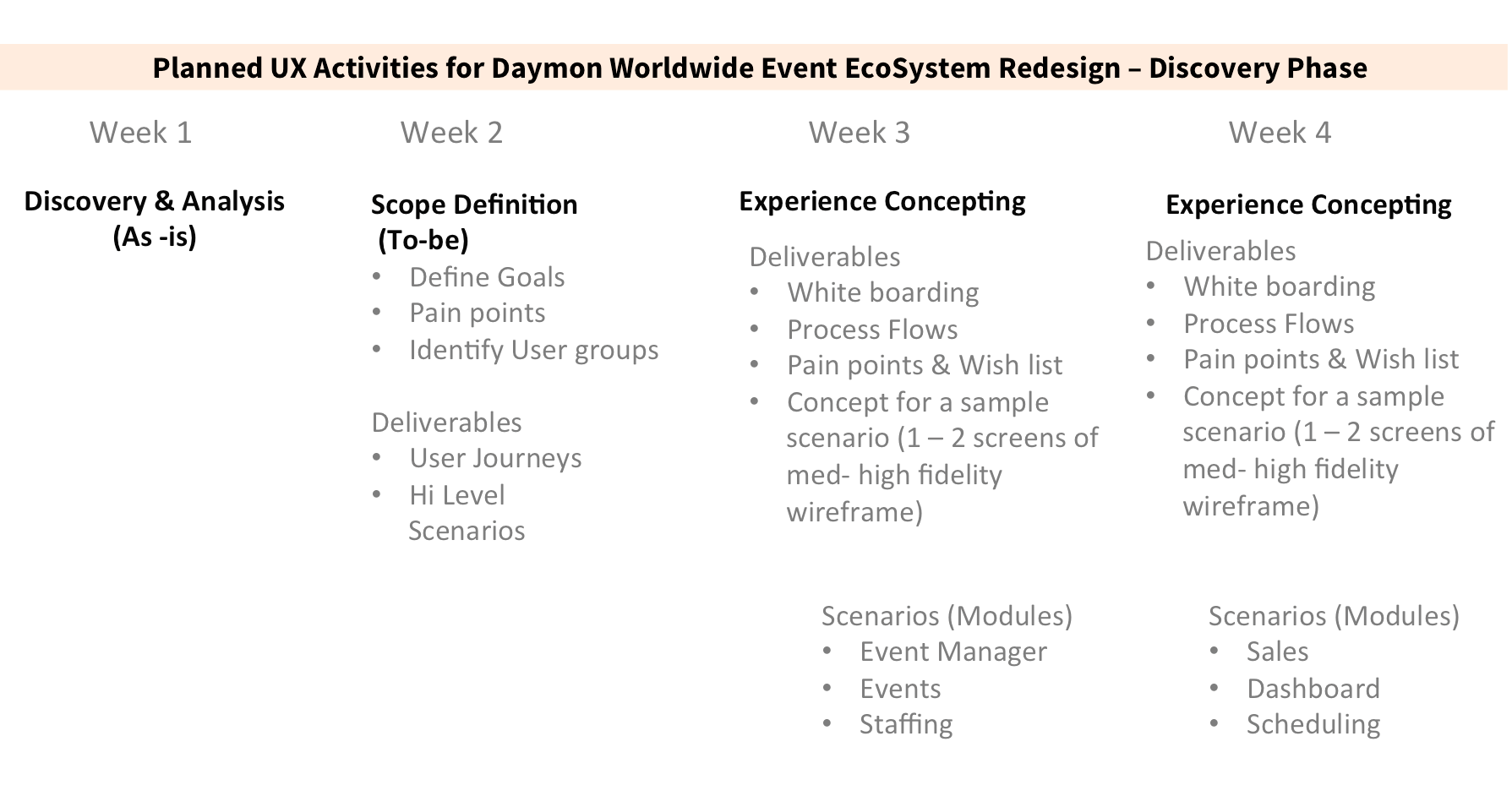
Highlights of my work
Field Study
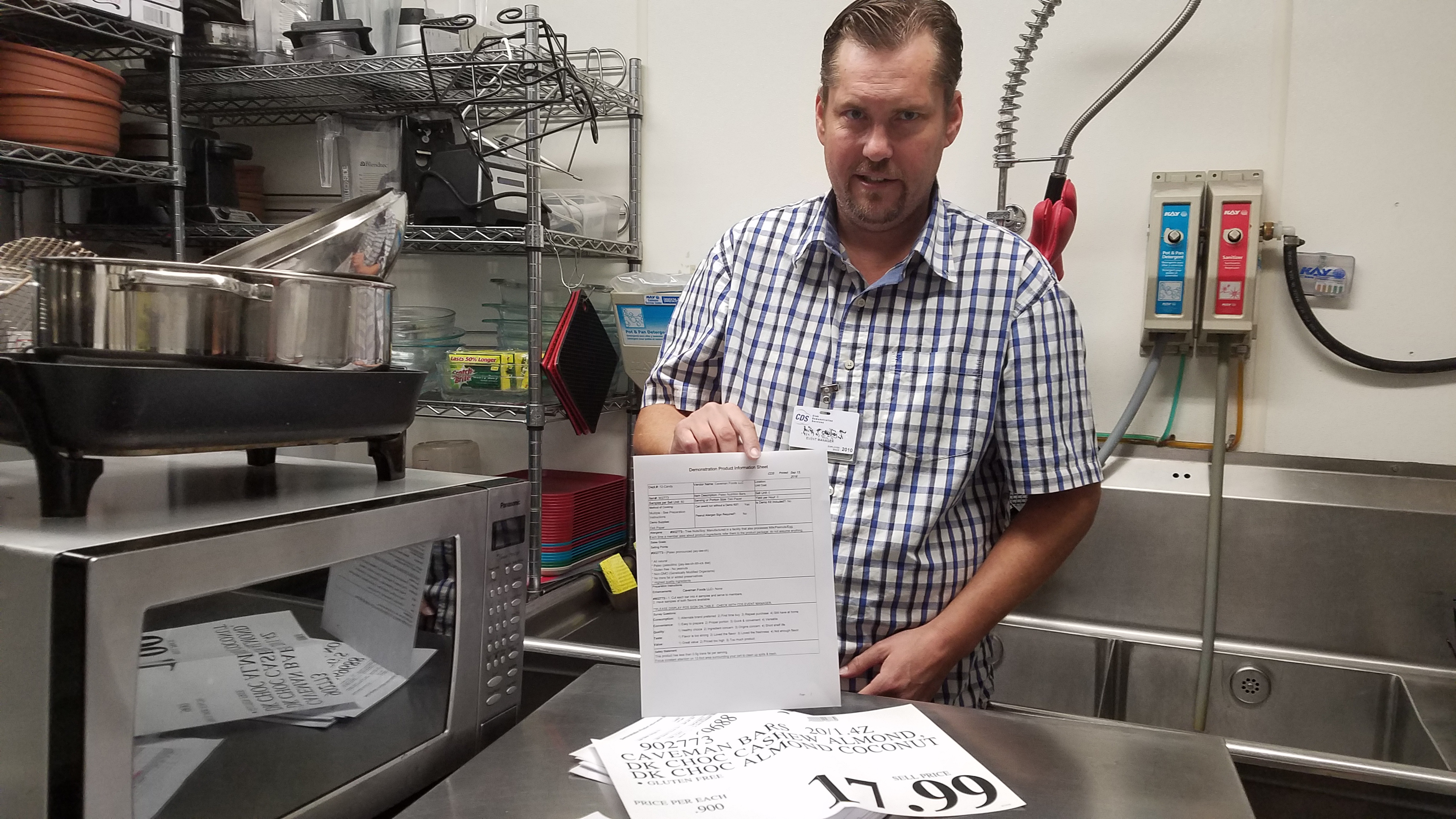
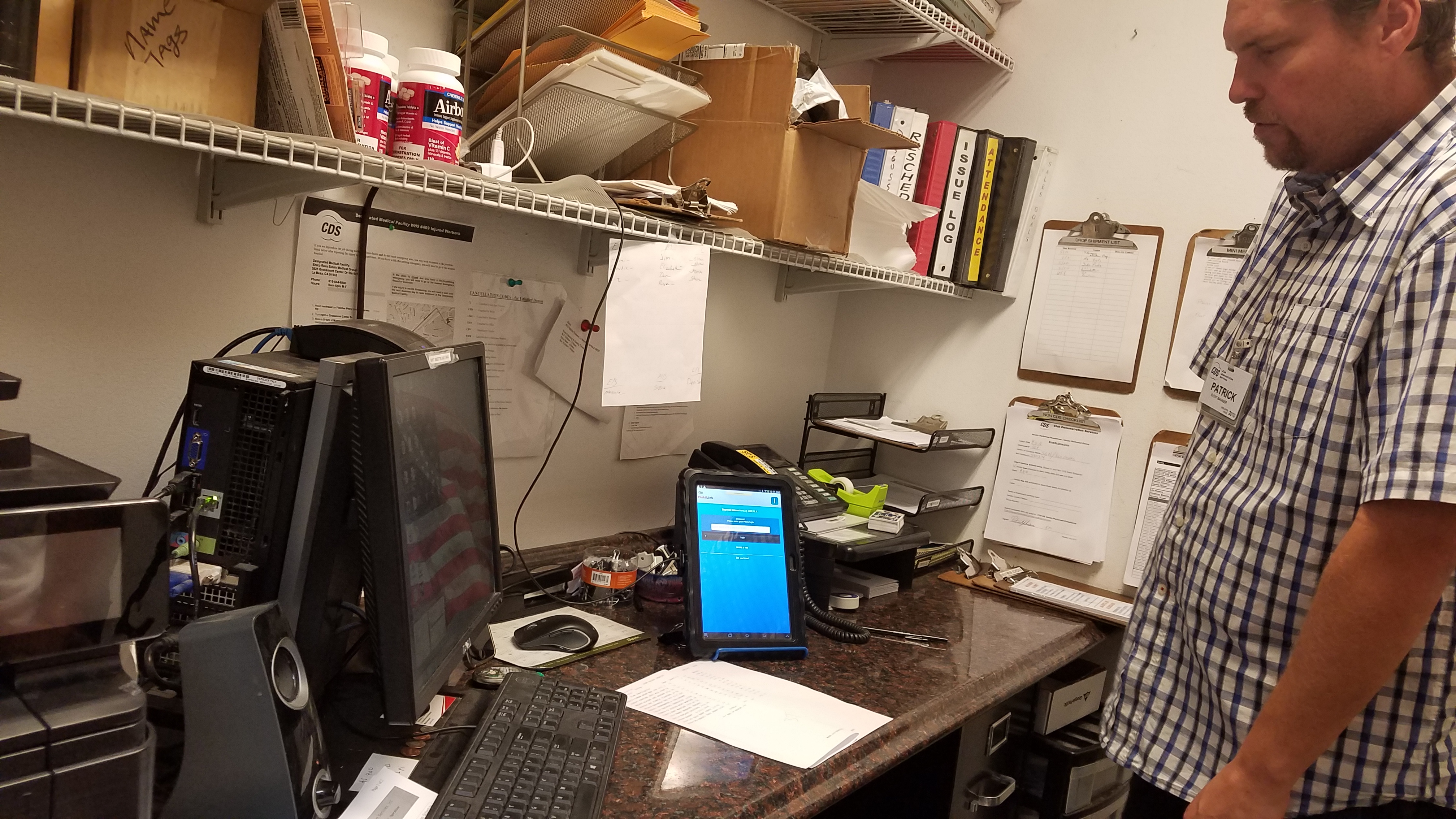
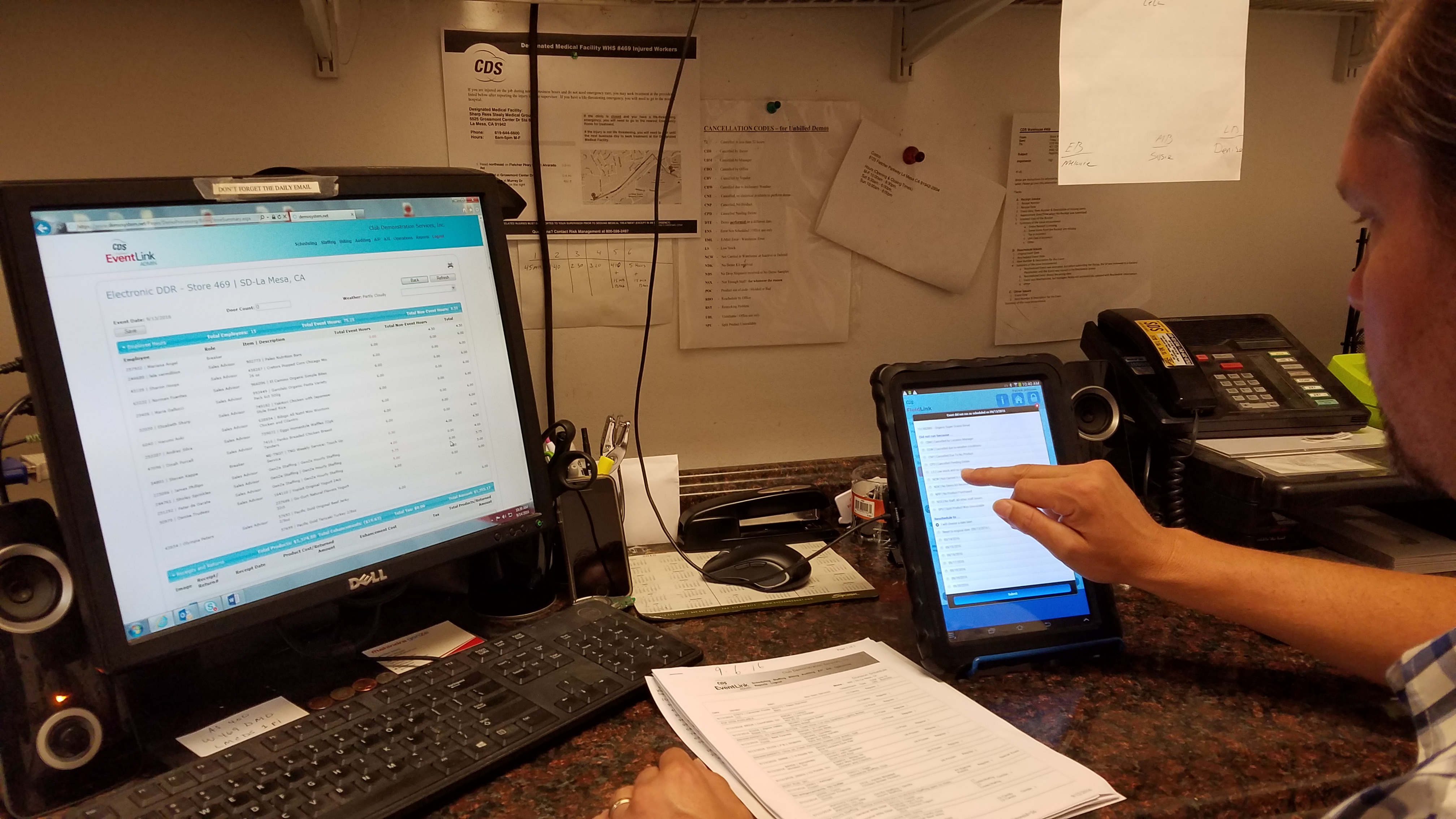
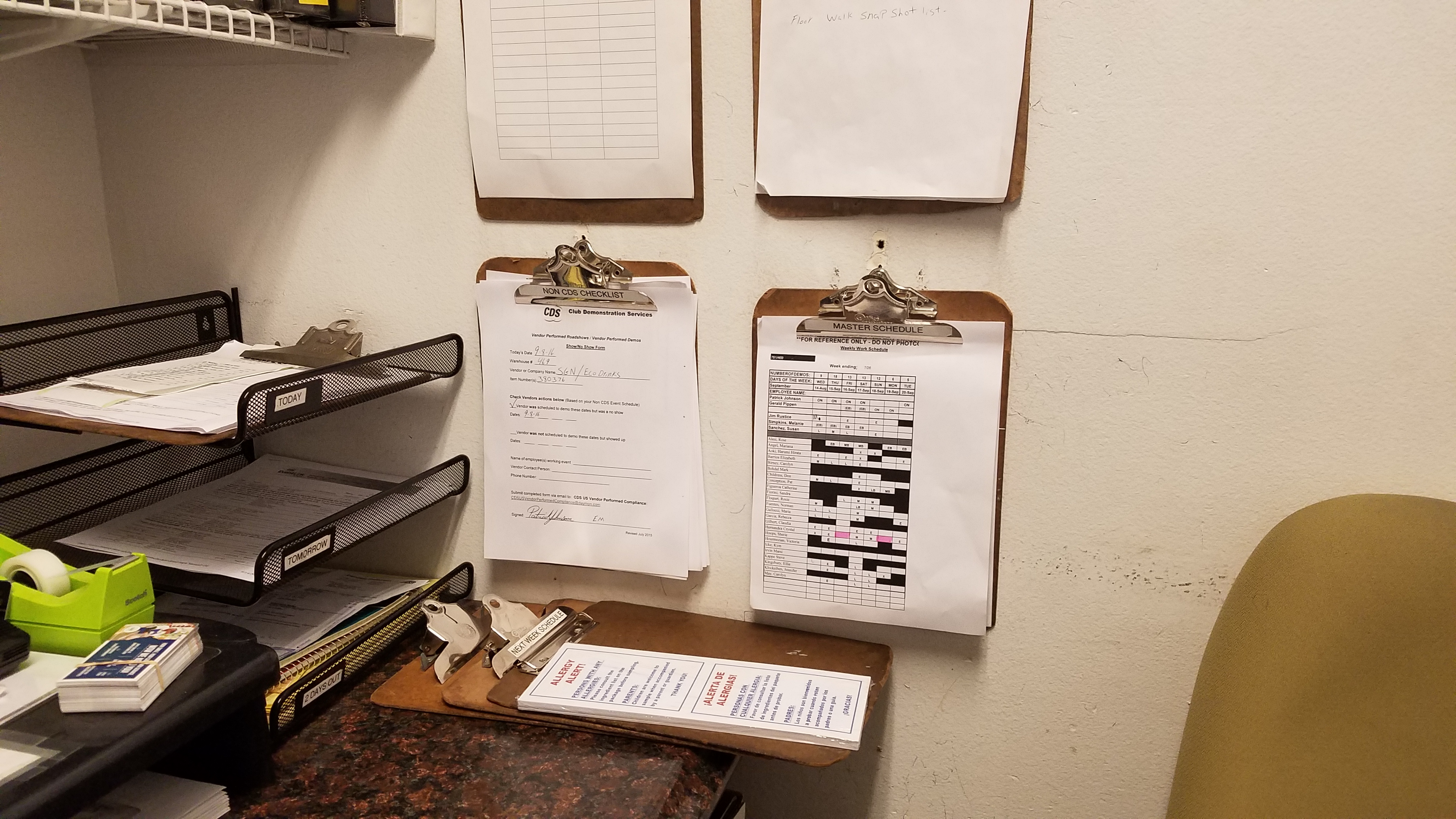
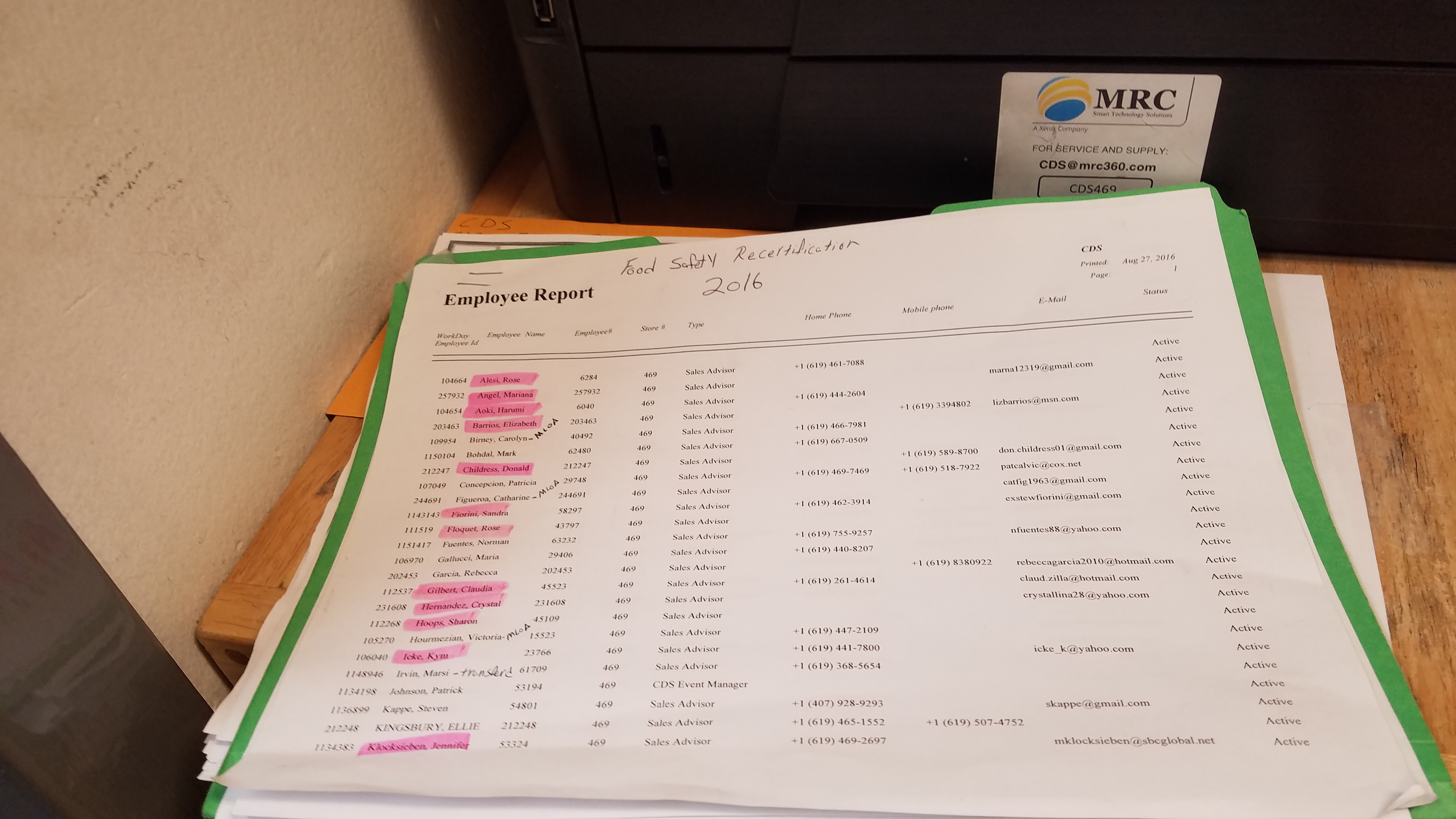
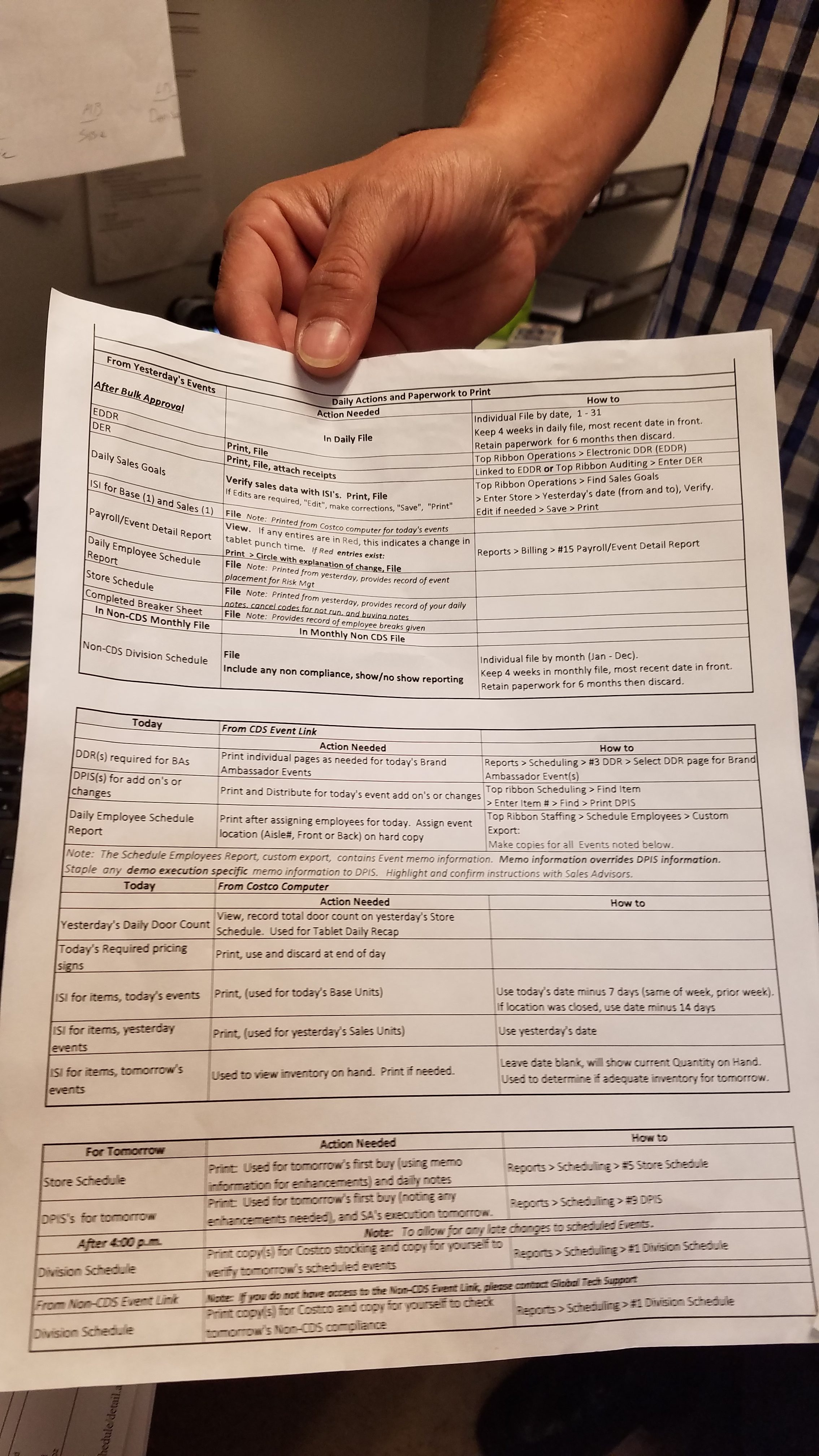
During the focus group sessions, we understood the pain points of the existing system, to verify them from the users directly, me and a business analysts we went to the back office of the Costco location. We were collecting data about users, user needs, and product requirements, We observed and interviewing the field officer, event manager, and the support staff. Data were collected about task flows, inefficiencies, and the organizational and physical environments of users.
Event Manager
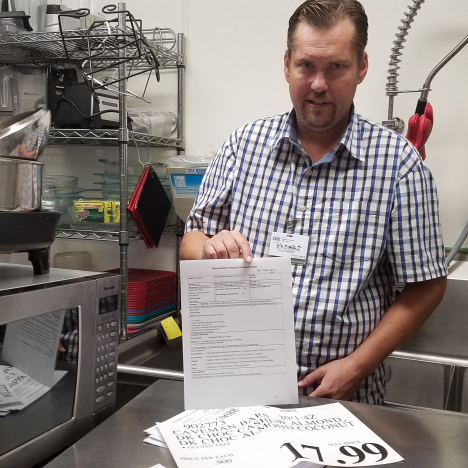
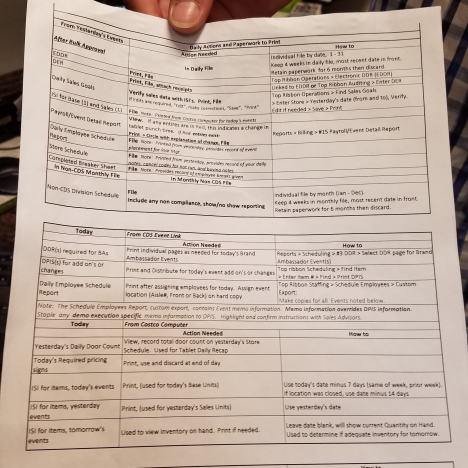
Event Manager showing the schedule plan, Exhibit items, Labels etc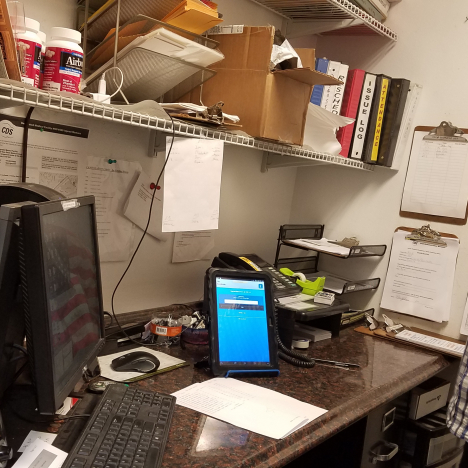
Event Manager Workplace
Event Manager using multiple devices for same tasks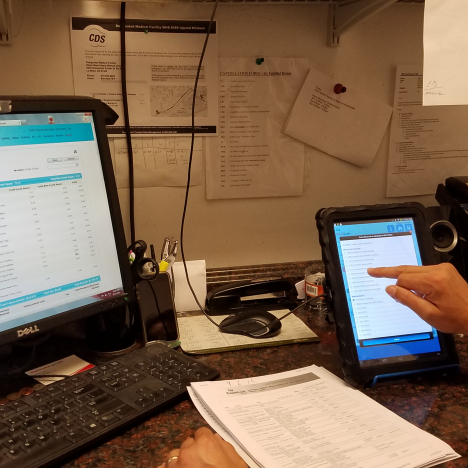
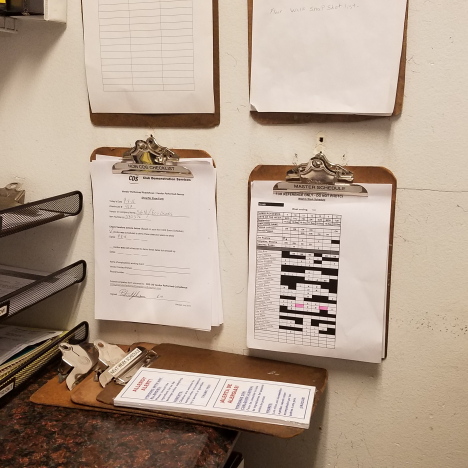
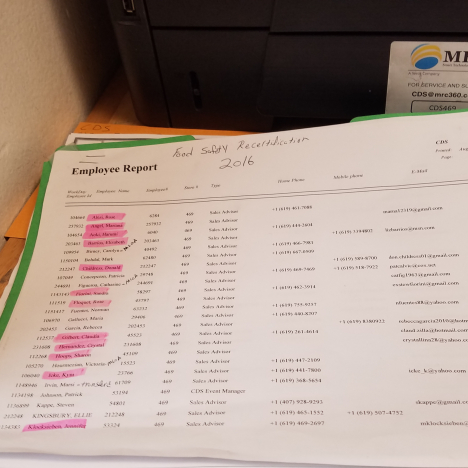
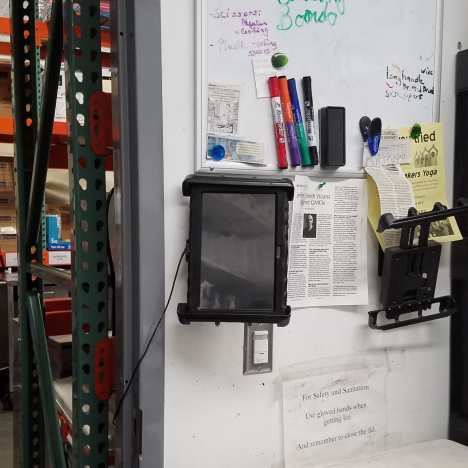
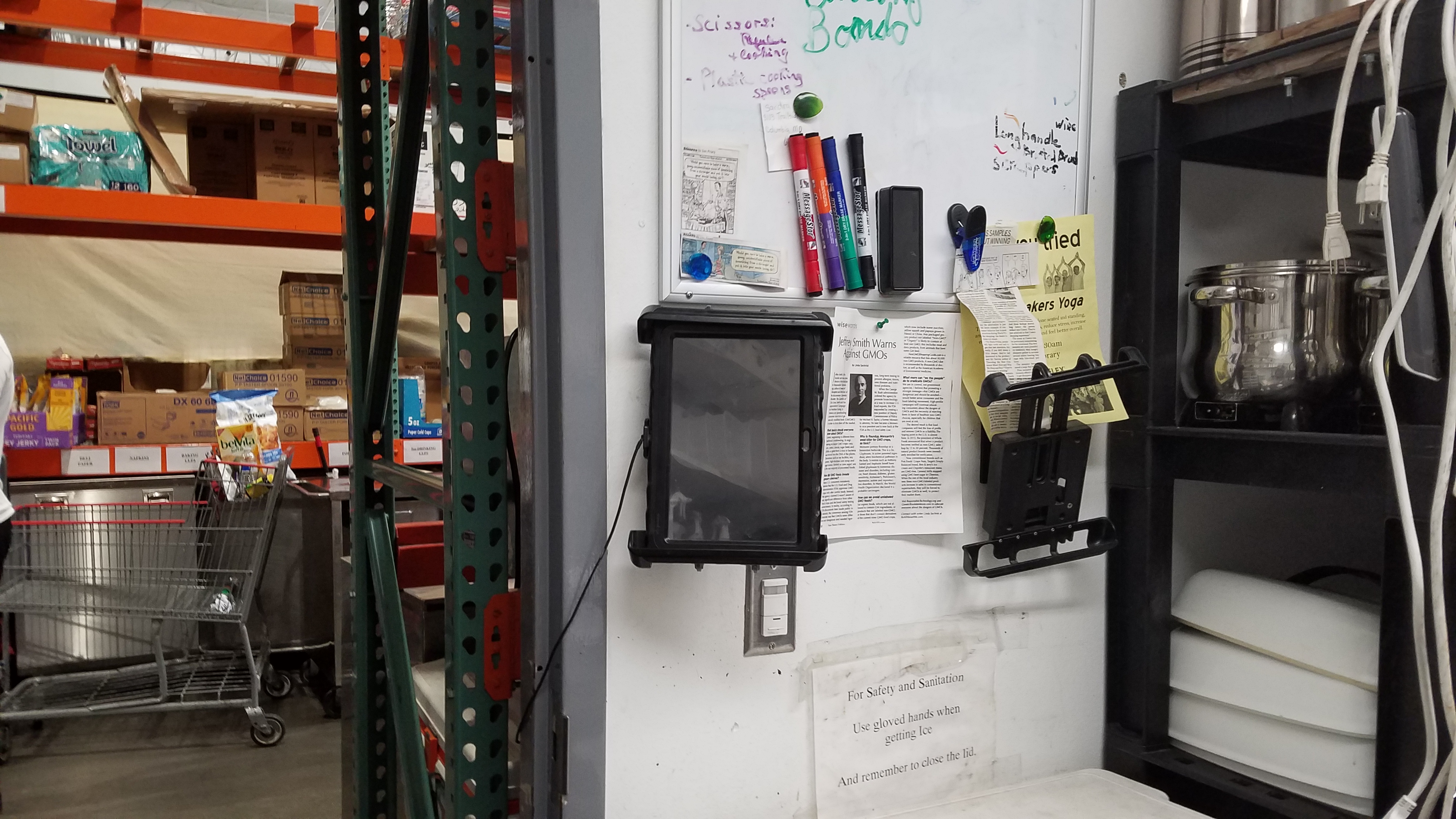
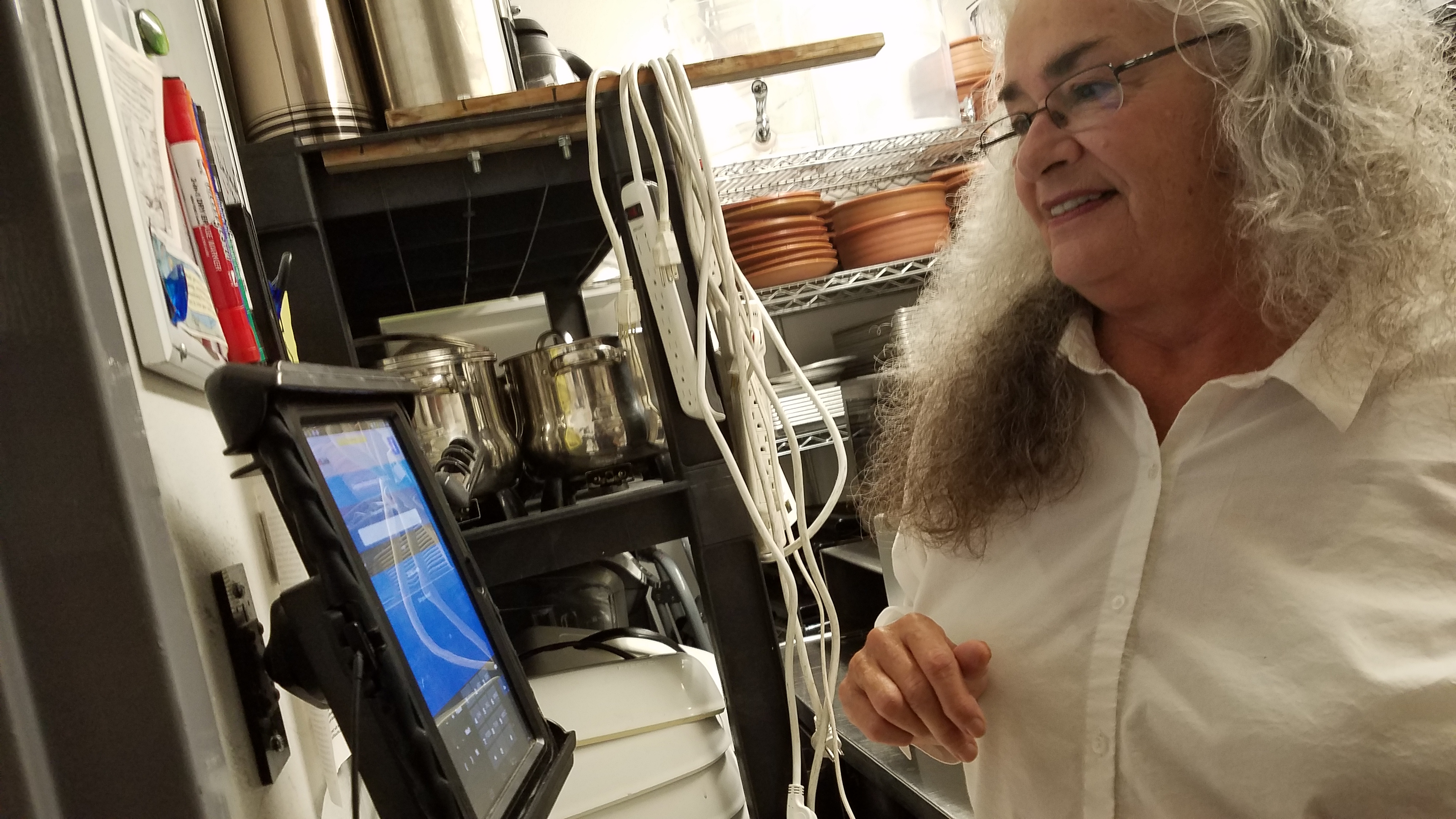
Login for Sales Advisor using the iPad app at a common location
Sales Advisor Login
Every day login and logout for their working hours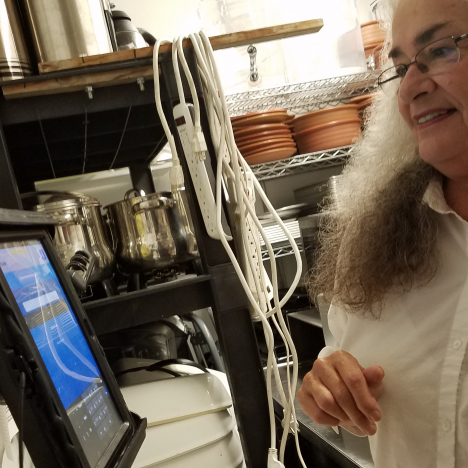
Design Thinking Workshops
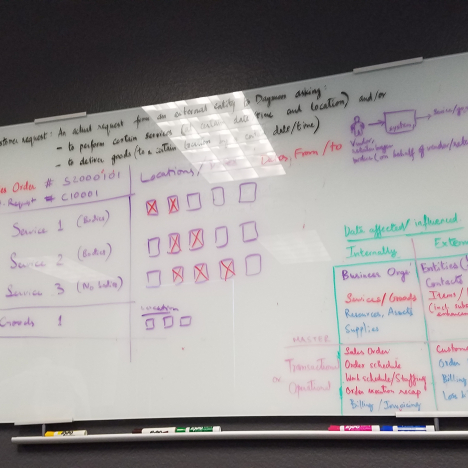
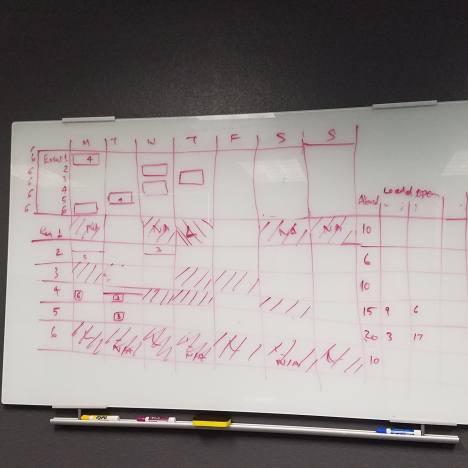
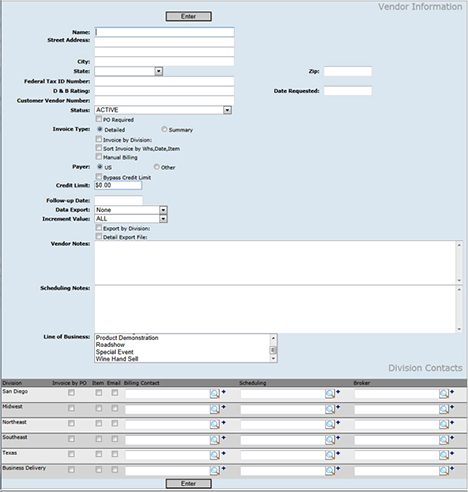
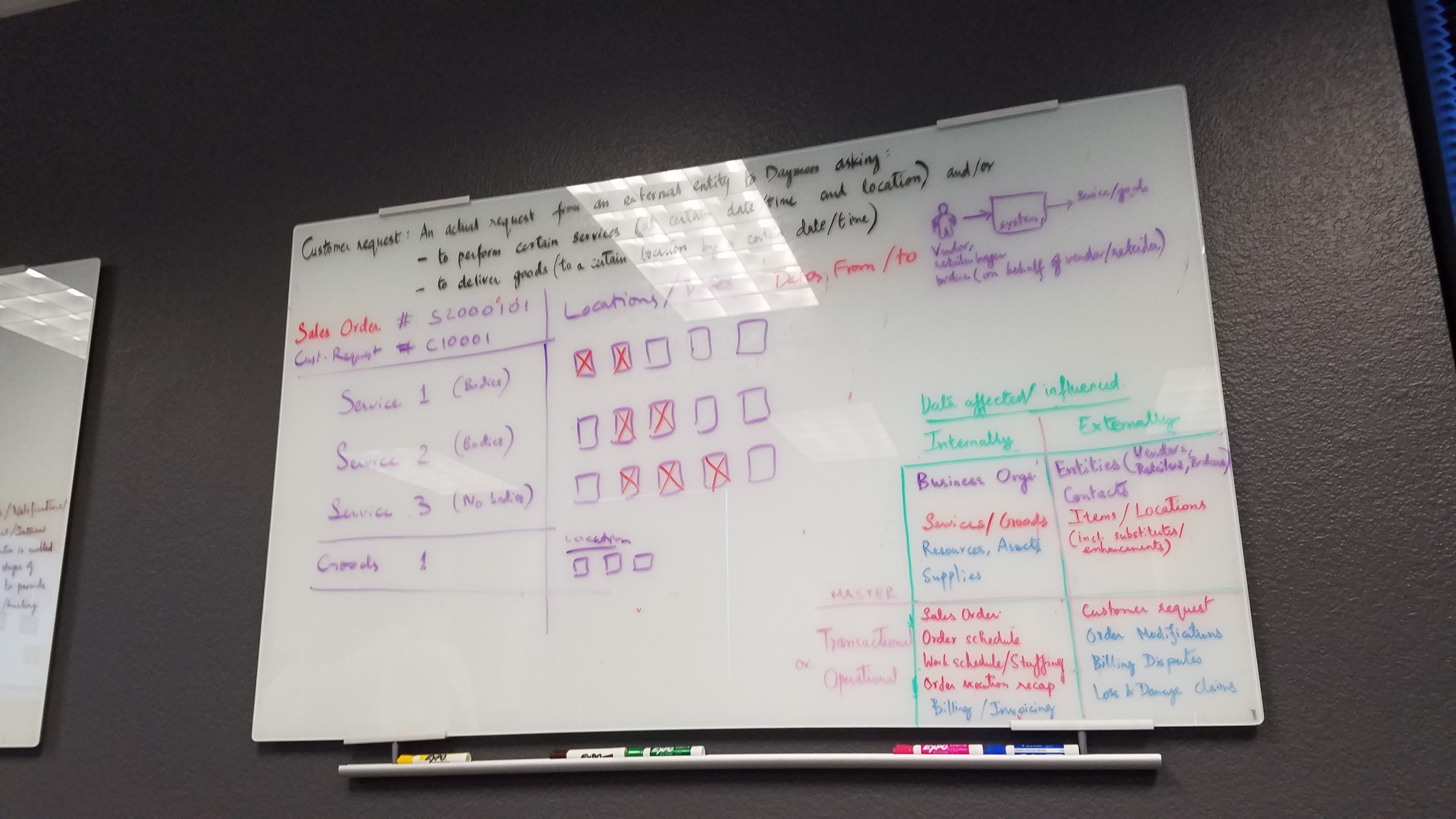
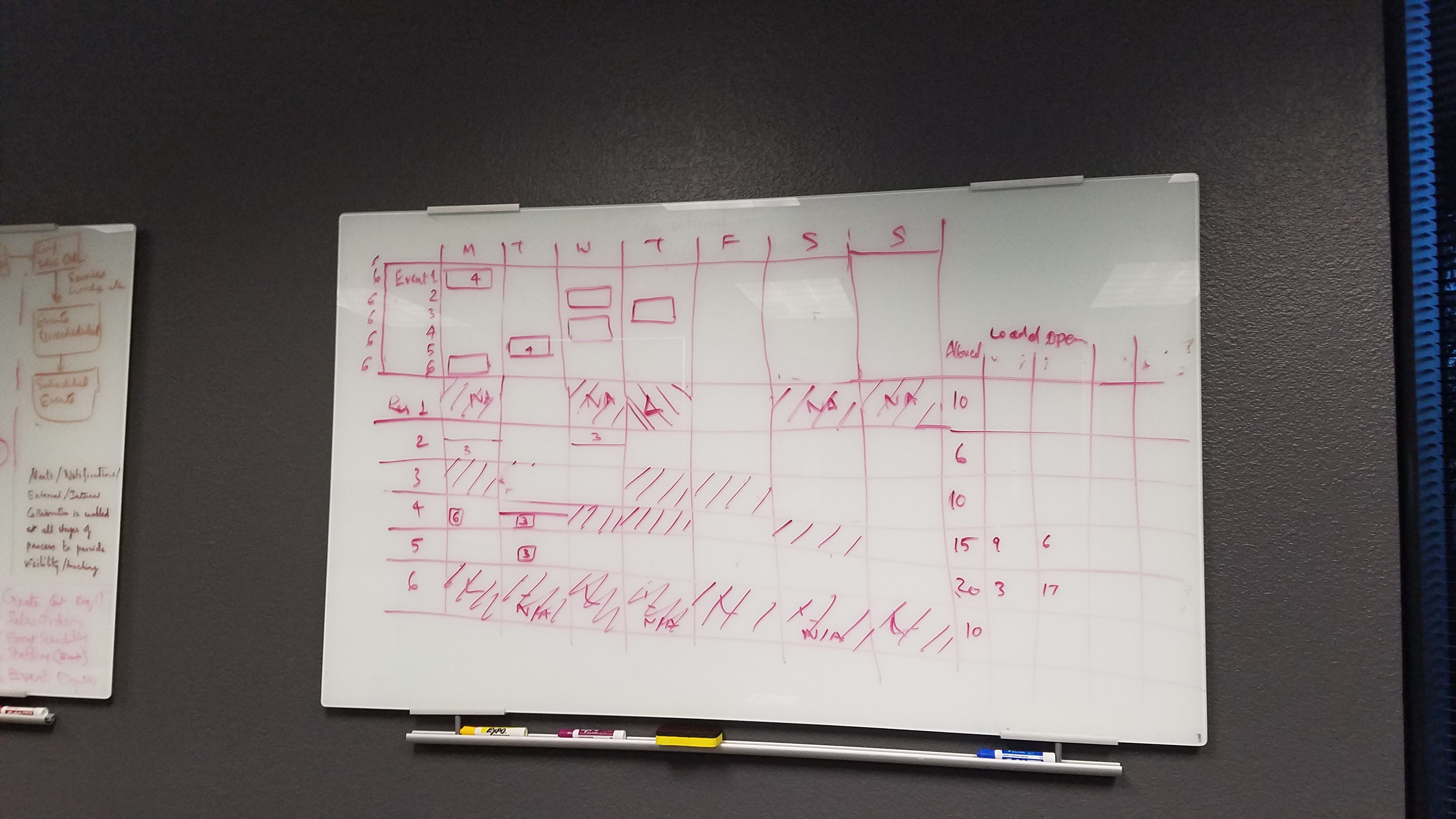
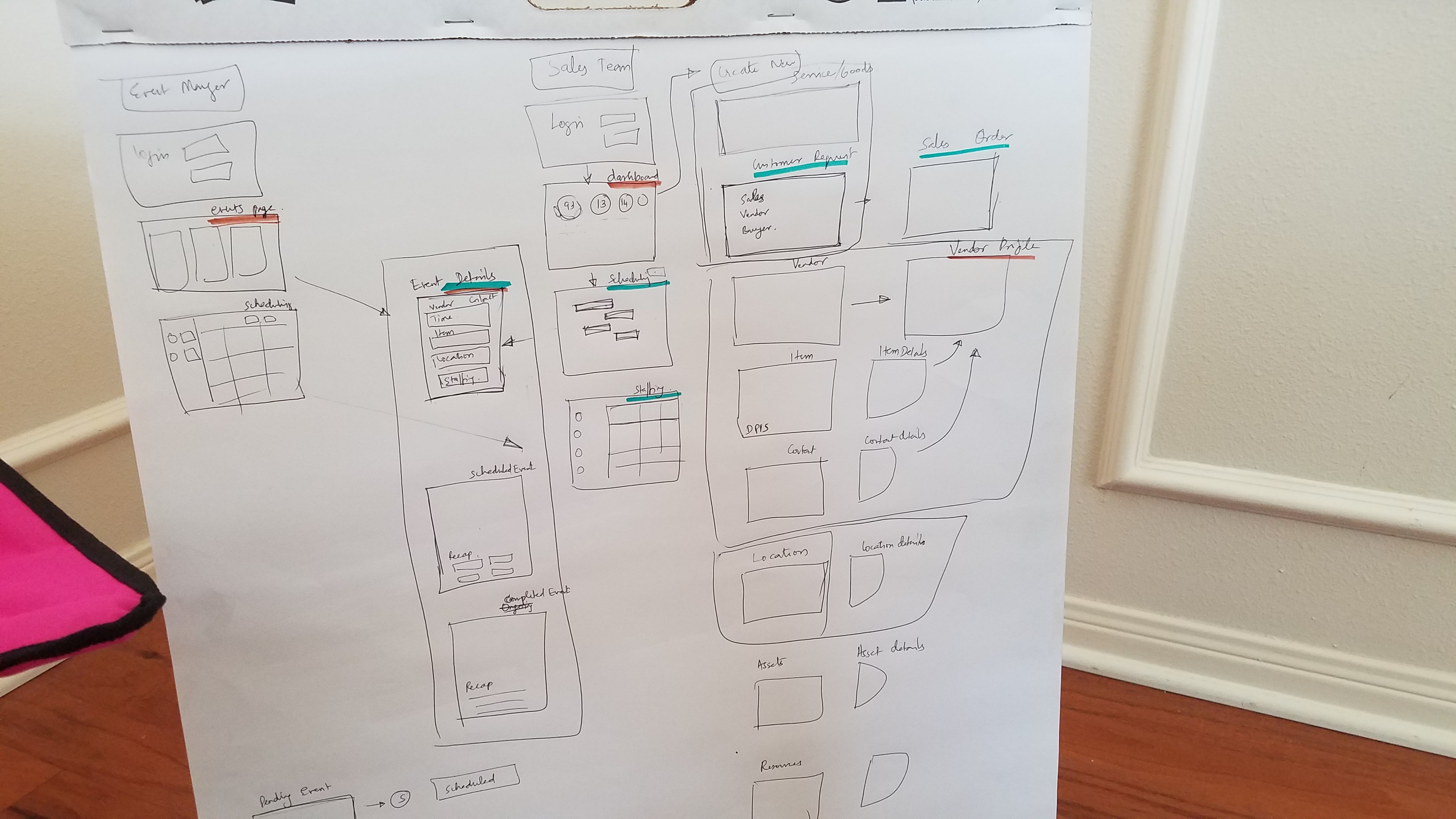
I was leading the design thinking workshop on behalf of the UX team, we had other teams part of the design thinking session, such as the Stakeholder, management, Solution Architect, Subject matter expertise, Business Analyst, and users of the current system. Our Design Thinking workshop had a discussion about, As is processes of various segments - Scheduling Event Creation, Vendor Setup, etc. Later we got back with our internal team to come up with To be Process. Along with understanding the To be processed, I listed down the tasks a user would do in their role, they became the screen flows for the Future state concepts. This task was broken down into user stories, and we added details in the screen flow.
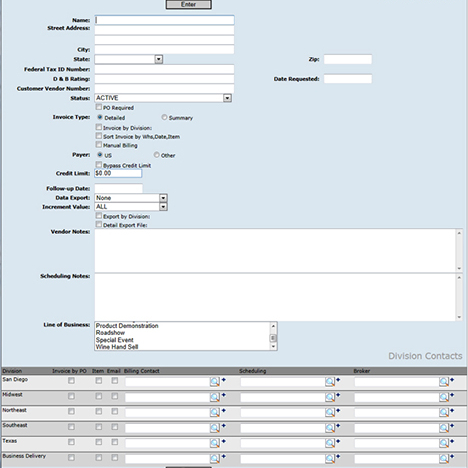
Painpoints
1. Users have to check for emails and voice mails continuously throughout the day because the existing system does not capture any changing requirements. Once a requirement is in the system, the customer cannot make any changes, only the staff can make changes.
Solution: Provide an option for the customer, in the customer portal, to make changes in their order, such that the staff dont have to take the requirement, instead the system updates automatically and shows the requirement to the staff once they log in.
2. As a Sales Manager, they have to open various applications to create a report of a specific product or event. Then print it out to Analyse. Analyze the data from the distributed contextual information across various channels required a lot of effort and resources.
Solution: Provide Dashboard with key information that provides a snapshot of the entire organization, or their department.
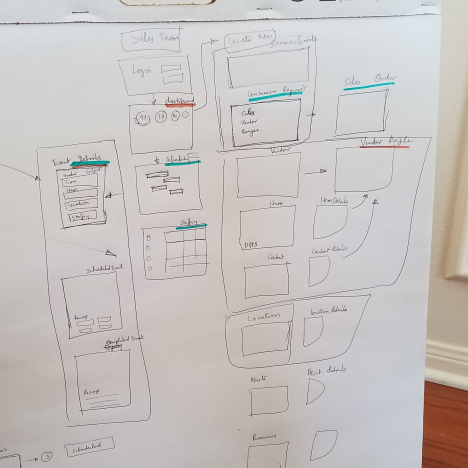
Screenflow
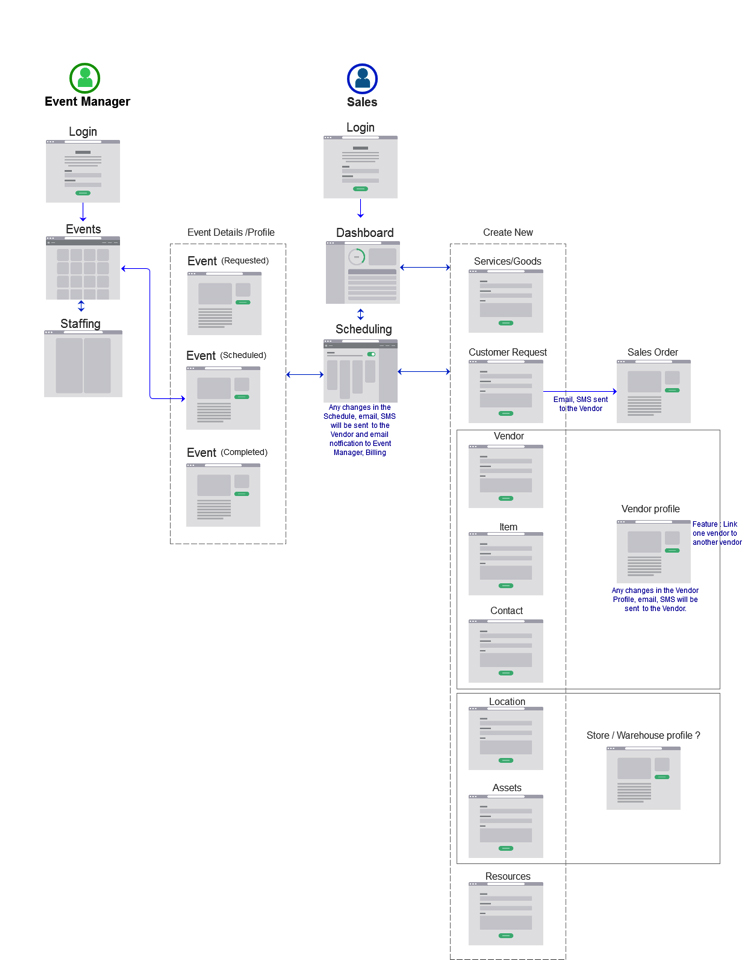
As I created the scren flow, we shared with the stakeholders to make sure, we provide the solutions to the user painpoints, so that we were on the same page. The screen flow consists of role based screens with various interaction features.
Medium Fidelity Prototype
Link to Prototype : Sales Manager | Event Manager
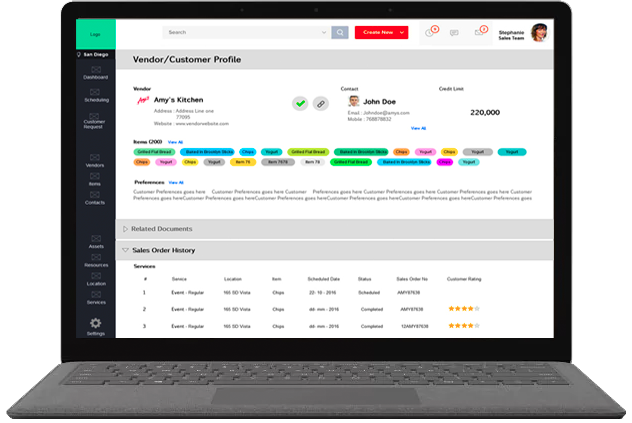
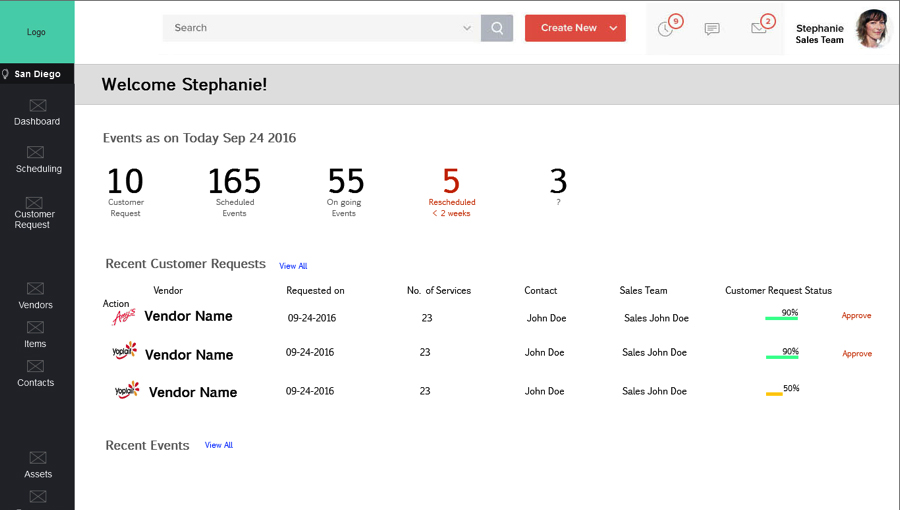
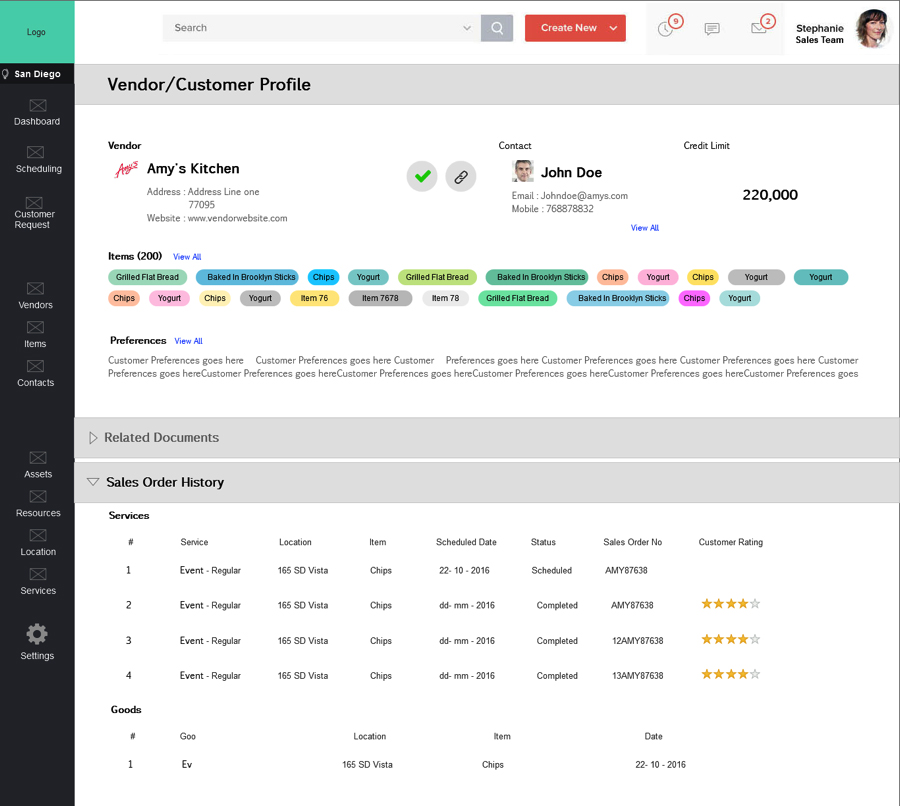
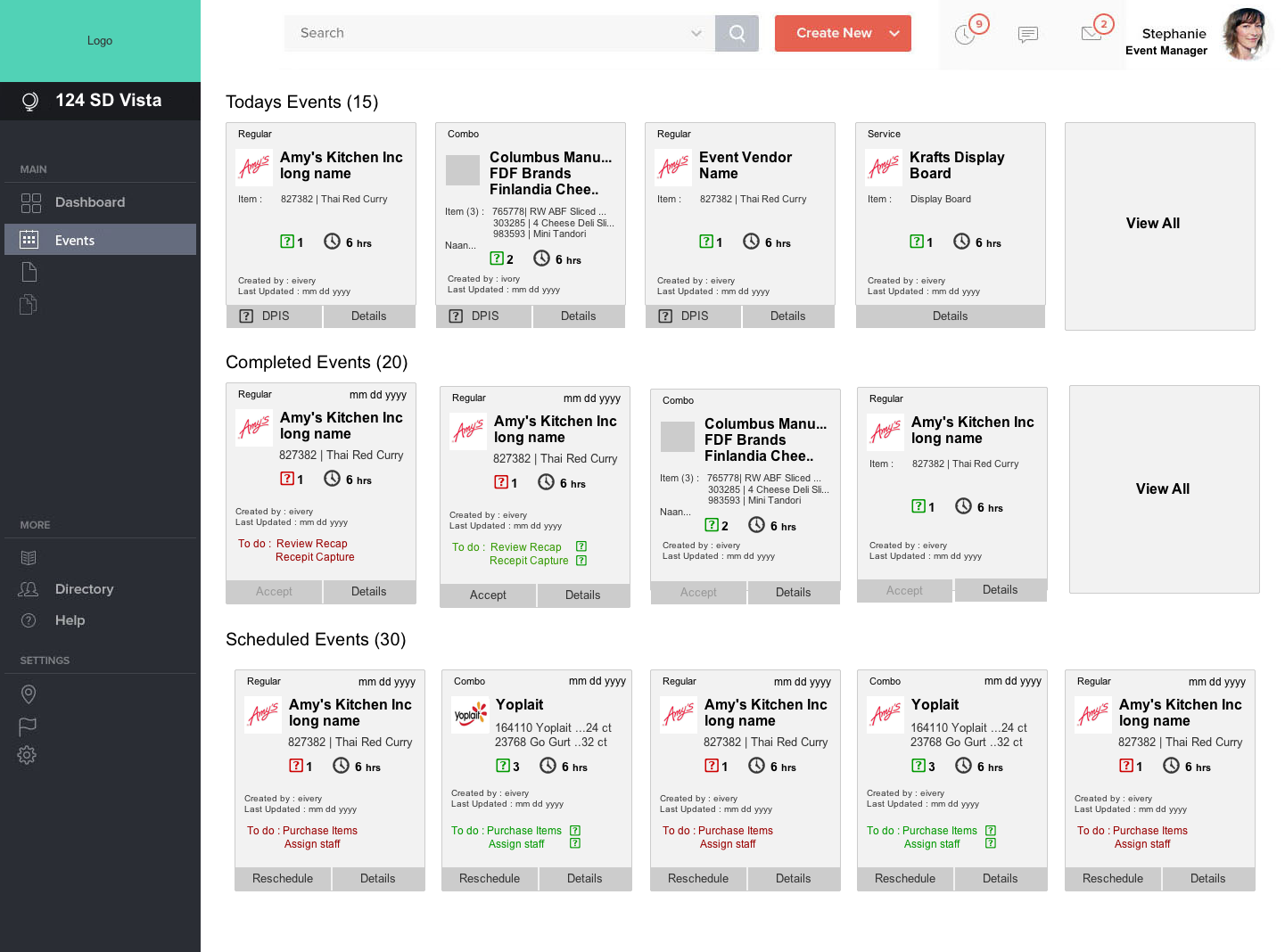
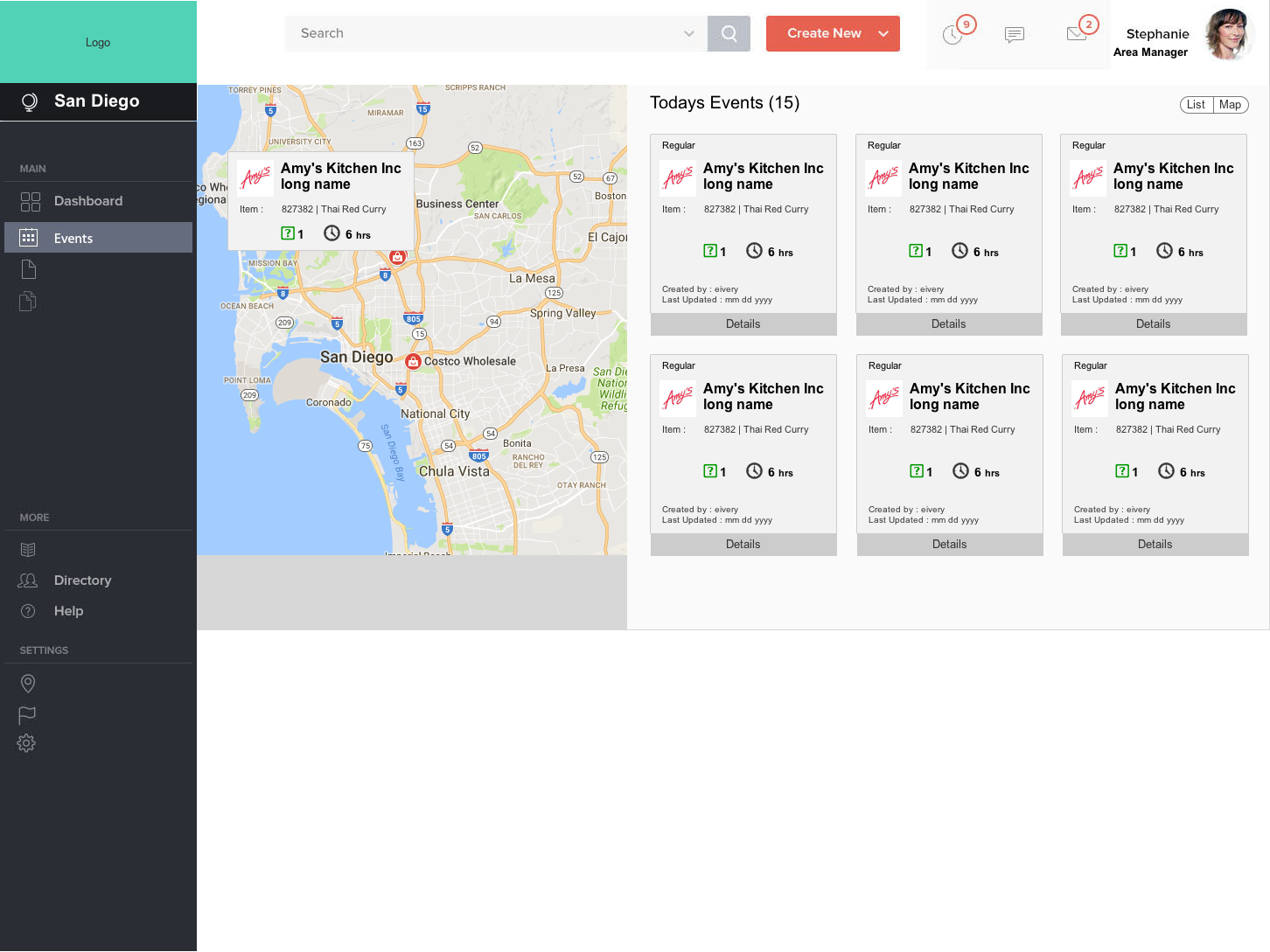
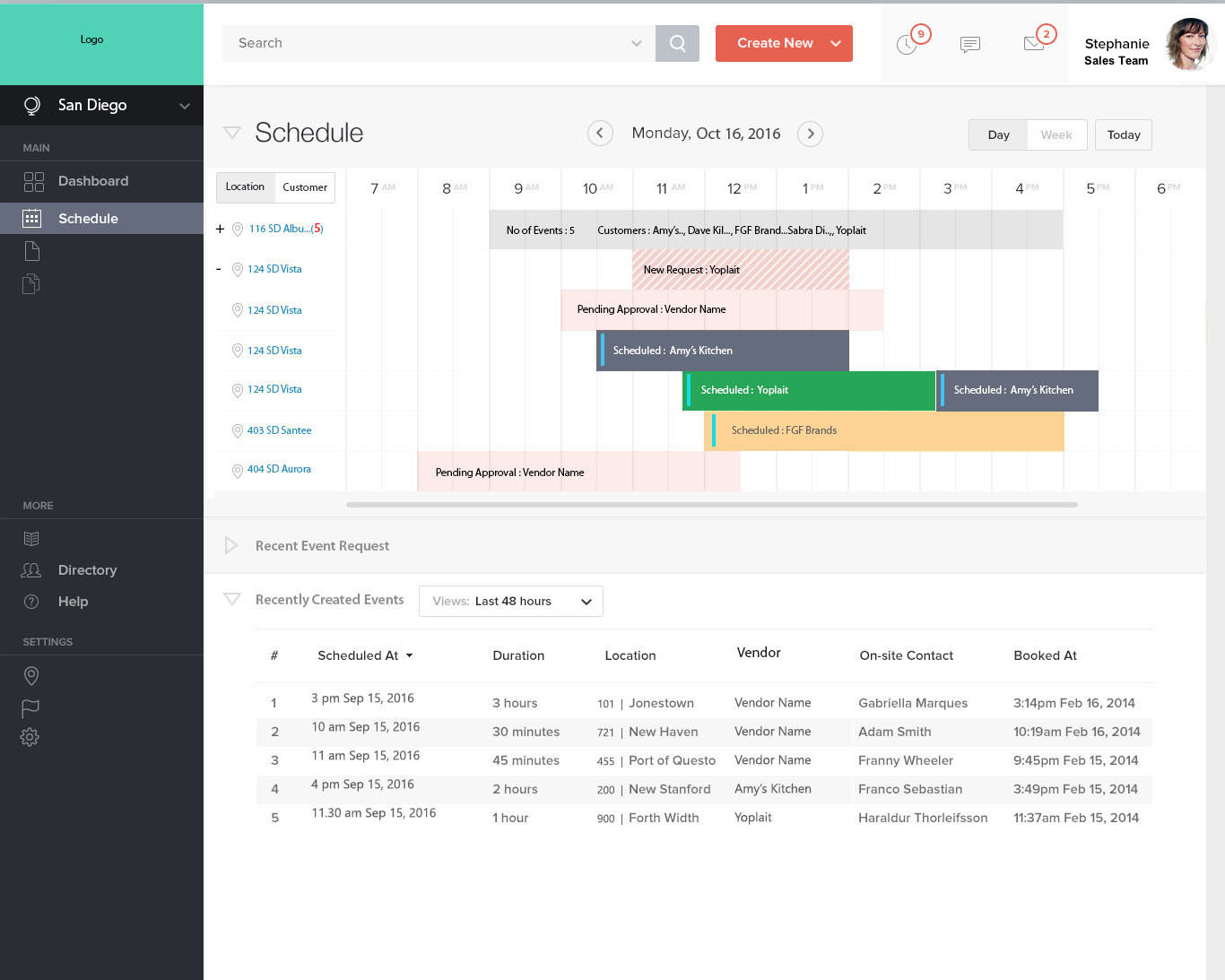
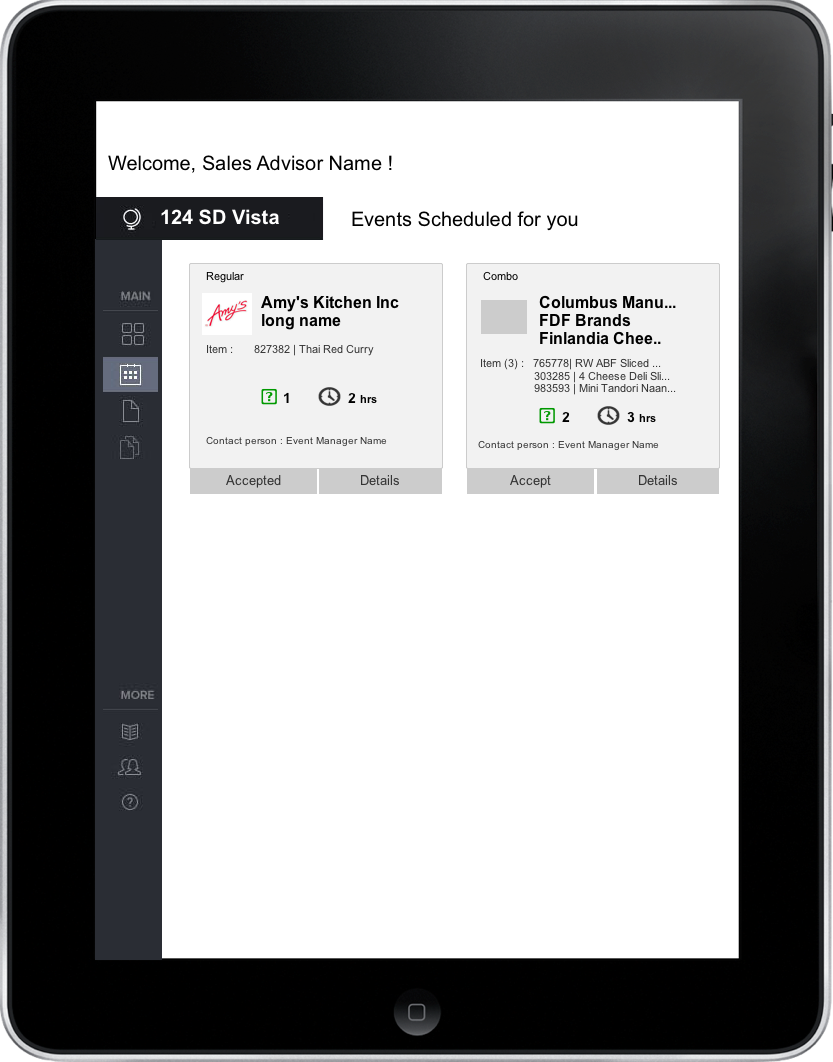
I created wireframes using Axure, after various iterations of screens. Given the time frame and to cover as many roles as possible we chose a few screens for each role for clickable prototype. Dashboard for Sales team, Sales Advisor Screen for iPad, Scheduling Screen, and Customer Profile.
Tools
Some of the tools I used in this project

Conclusion
During the discussions I had in the focus groups & interviews, people mostly talked about other people's problems as well as their own problems. To understand the actual problems, from what they say and what they do, our field study and observation brought in a lot of insights. My takeaway from this project is, It always Users first, and Function still reigns supreme. And Intuitive to us is not equal to Intuitive to others and Stay consistent across screens.