UI Inventory
UI Inventory
Collect all common components from all products.
Review UX of the component usage.
Create new component.
Verify with UI Inventory, with the product, with the teams, Do a user testing
Document
Share for implementation with the UI team
As a team we did this exercise on Onenote, and sometime on a ppt to start with, later we moved all our inventory to a common place
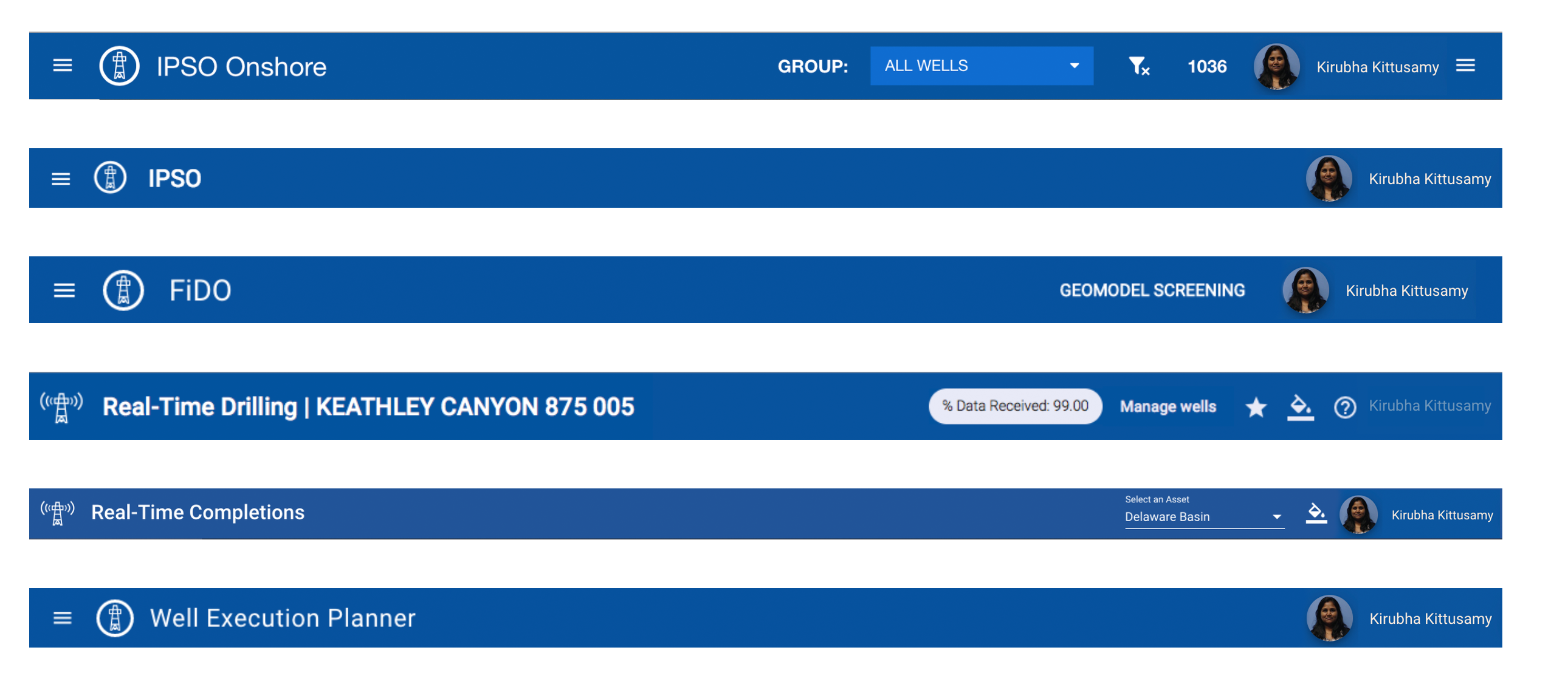
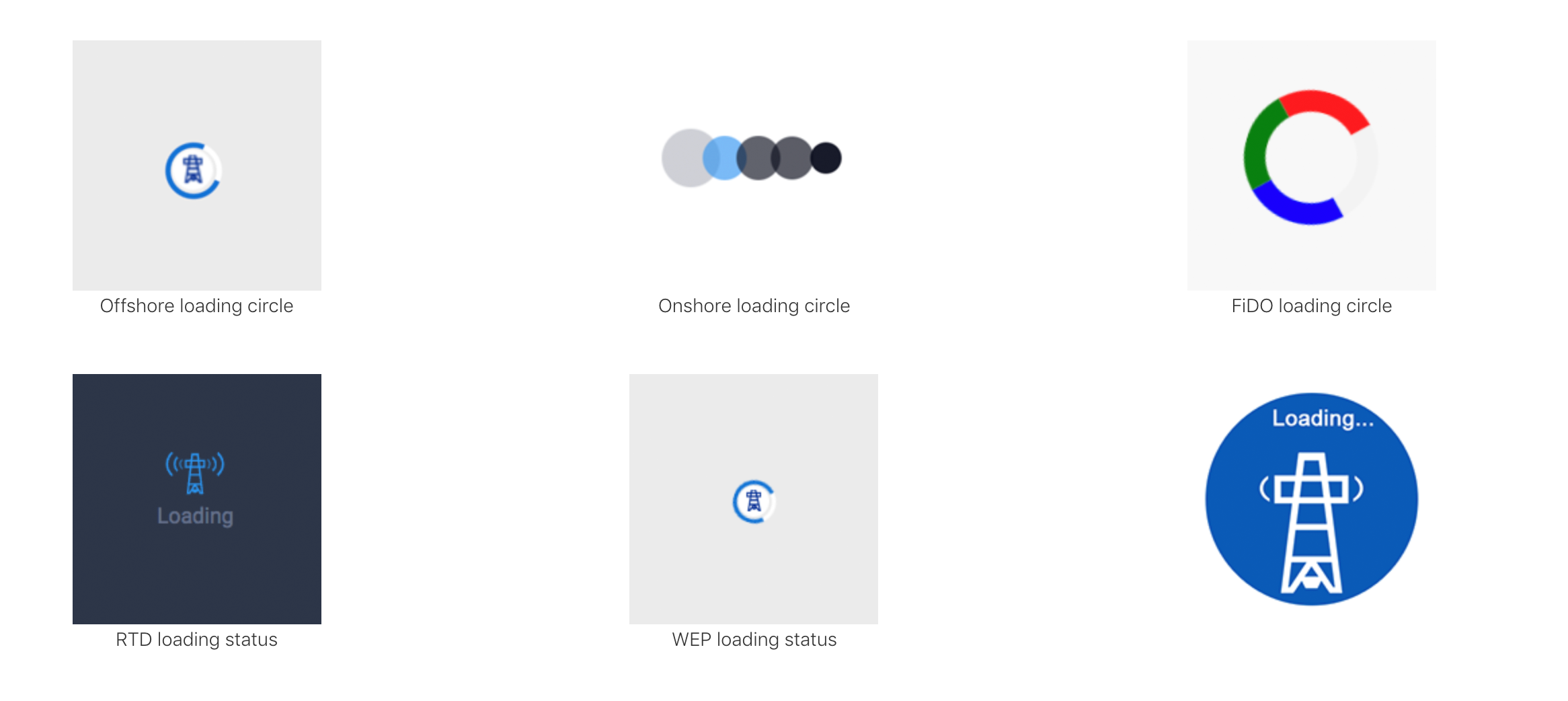
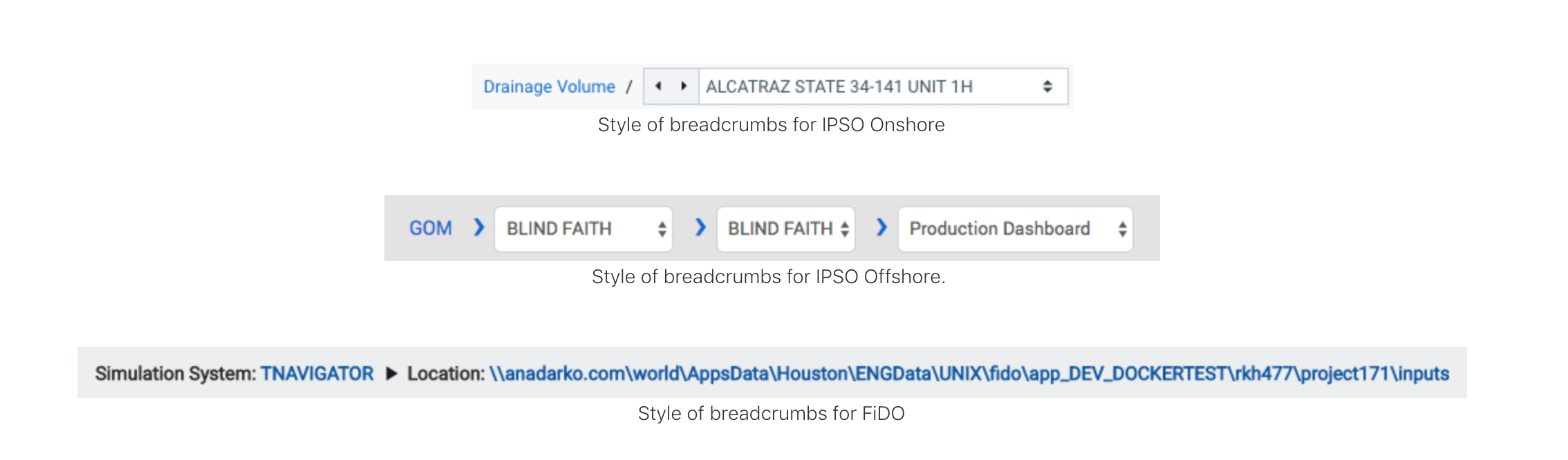
Prioritize Components I listed down components based on the UI team's implementation priority. Also looking at the dependencies of other components. We kept changing this priority.
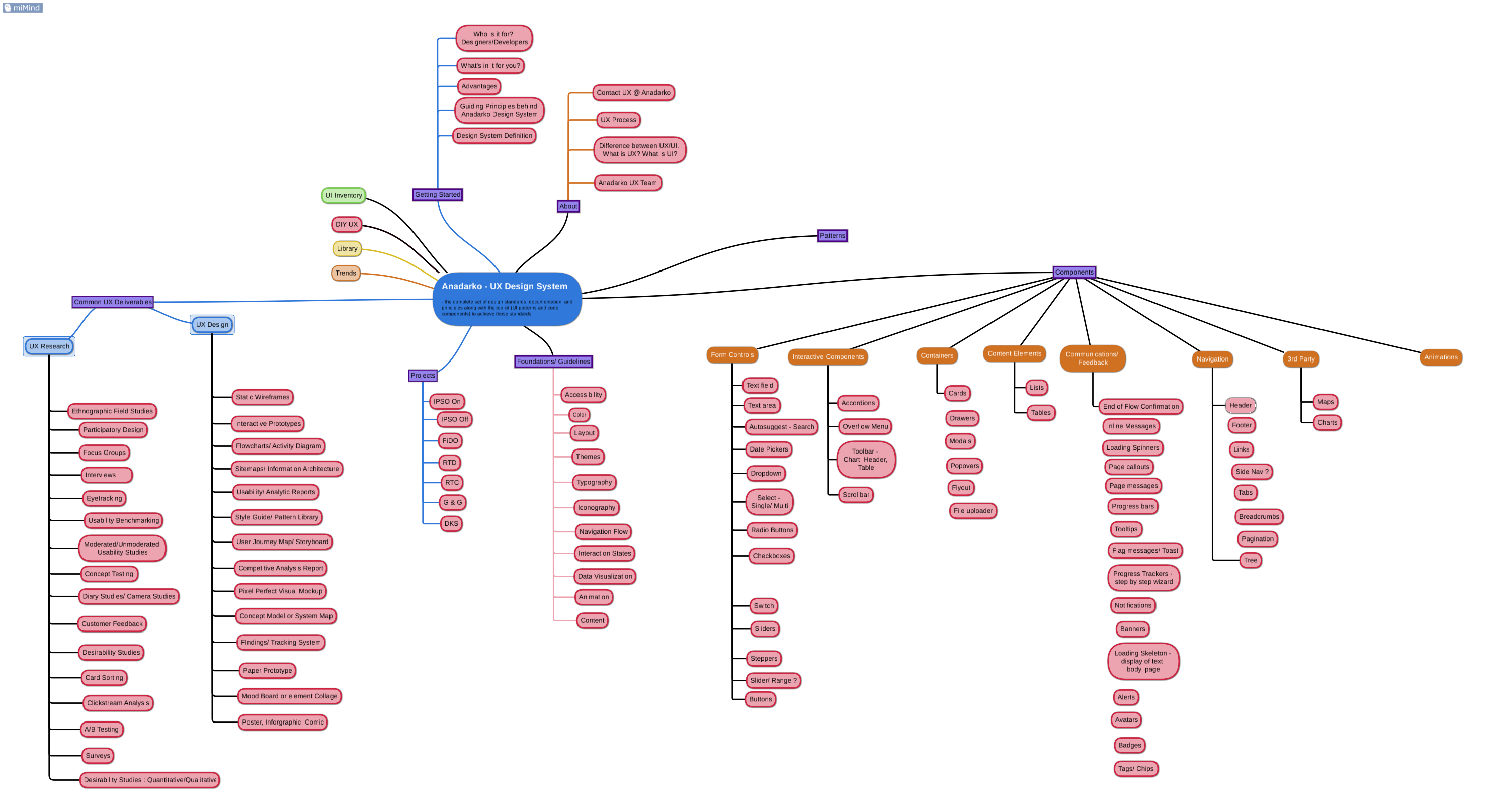
When I started...
When I started at Anadarko - Advanced Analytics and Emerging Technologies (AET) team, there wasnt any design system in place. However my previous team had talks to have one. After I joined, me and my collegue another UX designer we formed team to bring in design system in place. We laid out a plan.
Do a UI Inventory
Create a dedicated place for designs system
Prioritize components
Bring in UI Team to implement components
Document components
User testing of finalised components
Maintain & update components
So before we started with the design system work, we had a challenge to find out where we are in the Org structure, such that we get a buy in and support from other teams. As part of the development team, there was talk about design system structure. Here is th example of the structure when I joined, which later changed into many other structure because of the over all Org level change.
UI Inventory
As part of the I inventory exercise, we looked at :
We looked at the style guide document from the previous team, which existed in "Onenote".
We continued to enhance the Design Process and the Design System Structure.
We listed down all the components from the projects.
Created a UI inventory of the components
Style guide document from the previous team, which existed in "Onenote".
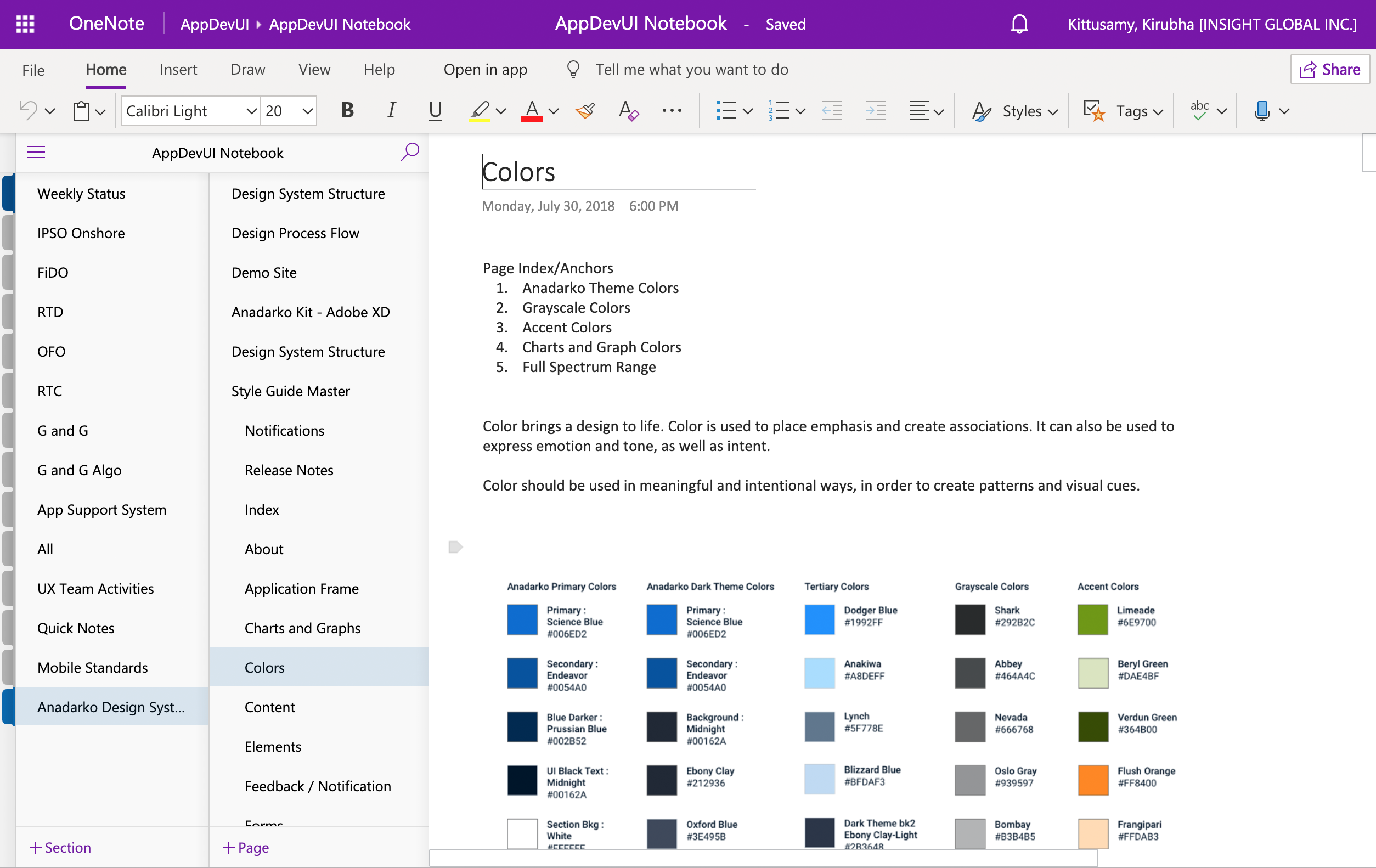
Style guide in XD- This is Version 0.5 of the source file. So for us to start with I made this Version as Version 0.

We continued to enhance the Design Process and the Design System Structure. We met with other team to form a Design System team, and enhance the structure
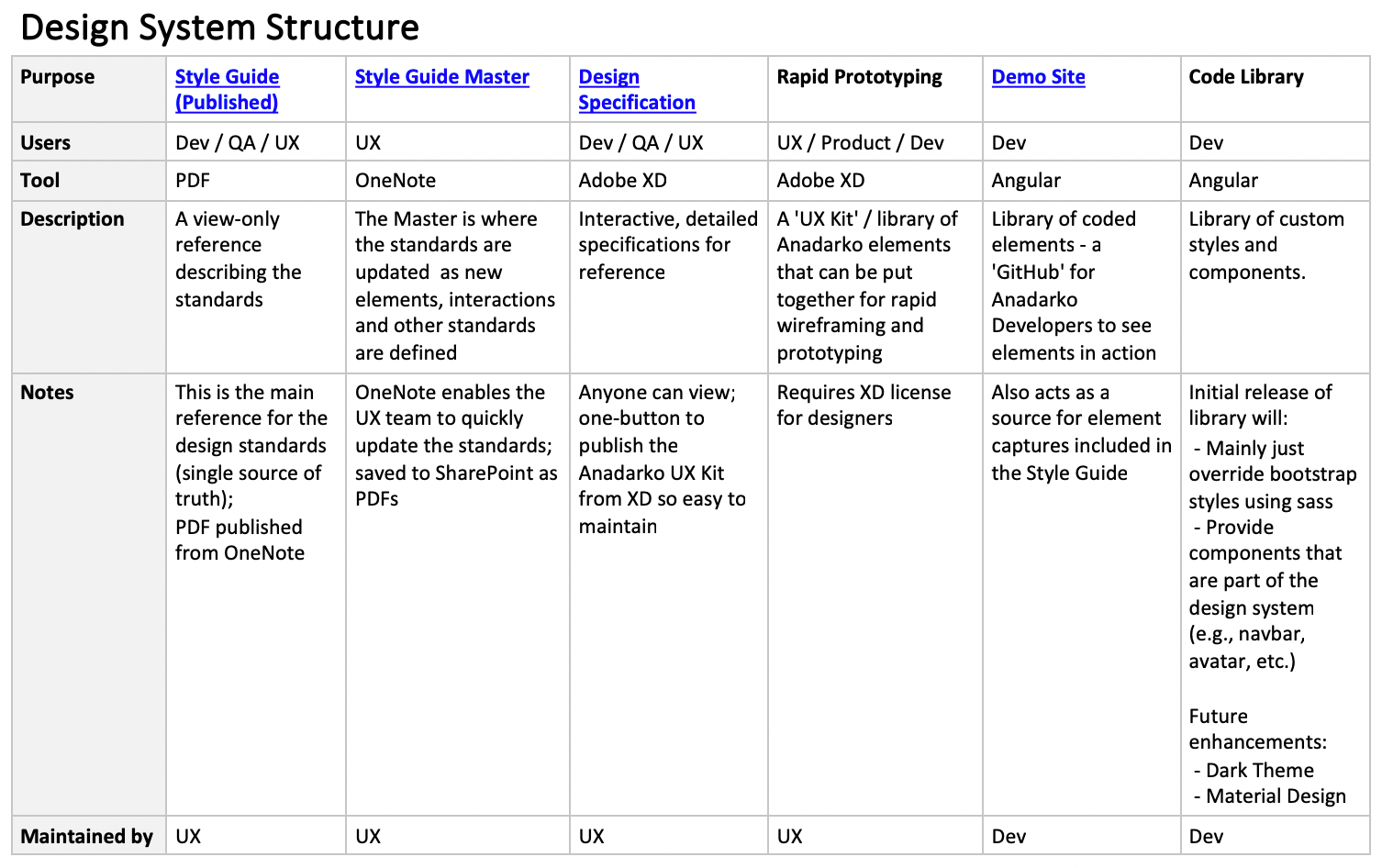
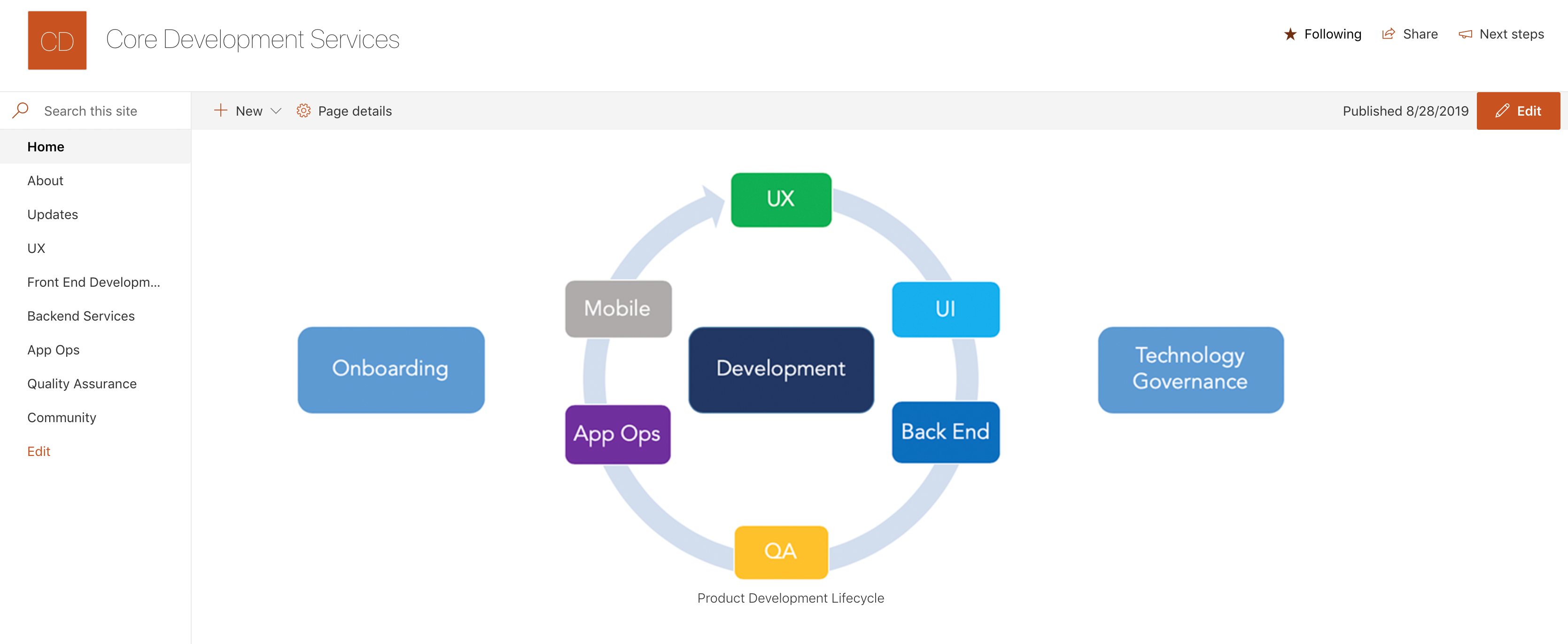
Org structure was changing in Anadarko, however we tried to keep up with the teams so that we have a unified design system. While we were working on the design system, below image shows how our team was structured and we belonged to the COre development Services.
Prioritize Components
Collect all common components from all products. Review UX of the component usage. Create new component. Verify with UI Inventory, with the product, with the teams, Do a user testing Document Share for implementation with the UI team

The best multimedia experience with Galaxy S6 edge+
Lorem ipsum dolor sit amet, consectetur adipiscing elit. Vestibulum vel sapien et lacus tempus varius. In finibus lorem vel.

second Design System
Lorem ipsum dolor sit amet, consectetur adipiscing elit. Vestibulum vel sapien et lacus tempus varius. In finibus lorem vel.
Lorem ipsum dolor sit amet, consectetur adipiscing elit, sed do eiusmod tempor incididunt ut labore et dolore magna aliqua.
Lorem ipsum dolor sit amet, consectetur adipiscing elit. Vestibulum vel sapien et lacus tempus varius. In finibus lorem vel neque vulputate, vel porta magna molestie. Sed eu egestas ex, a posuere libero. Quisque ac placerat felis. Etiam non neque ac odio consequat interdum vitae eget sem. Interdum et malesuada fames ac ante ipsum primis in faucibus. In et est ut metus lacinia pretium. Donec consequat, ligula eget suscipit laoreet, sem orci molestie tellus, ut pellentesque erat augue non neque.

What we offer
Contact Info
1600 Amphitheatre Parkway, Mountain View, CA 94043
+1 650-253-0000
prothemes.net@gmail.com
Daily: 9:00 am - 6:00 pm
Sunday: Closed
Recent Comments